

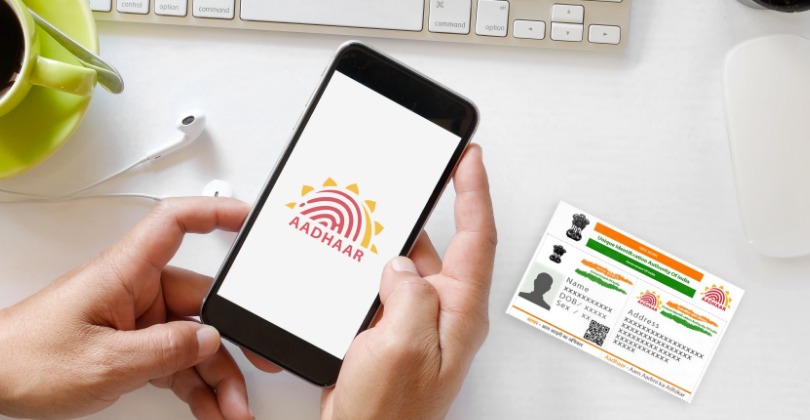
Verifying mobile numbers and email addresses linked to Aadhaar has become easier, Follow these Steps
Verify Mobile Number and Email Linked to Aadhaar: The 12-digit Aadhaar identification number plays a crucial role in accessing many essential services today. Authorities now mandate linking Aadhaar with bank accounts, PAN cards, mutual funds, PPF accounts, and insurance policies. The Unique Identification Authority of India (UIDAI) manages all Aadhaar-related services.
The UIDAI website provides several features that enable people to view and update their Aadhaar details easily. Users can update their address information, verify Aadhaar numbers, and access other related services. Aadhaar cardholders can also check online which mobile number and email ID they have linked to their Aadhaar.
If you also want to verify the mobile number or email ID linked to your Aadhaar, please follow the easy steps given below:
Step 1: Open the myaadhaar.uidai.gov.in website.
Step 2: Scroll down and click on the ‘Verify Email/Mobile’ option.
Step 3: To verify your mobile number, enter your Aadhaar number, mobile number, and captcha code, then click ‘Proceed’.
Step 4: To verify your email ID, enter your email address along with your Aadhaar number.
Additionally, you can avail of several other services through the myAadhaar portal.
ALSO READ: Mutual Funds, RD, or Fixed Deposits (FD): Which is the better option for savings?