

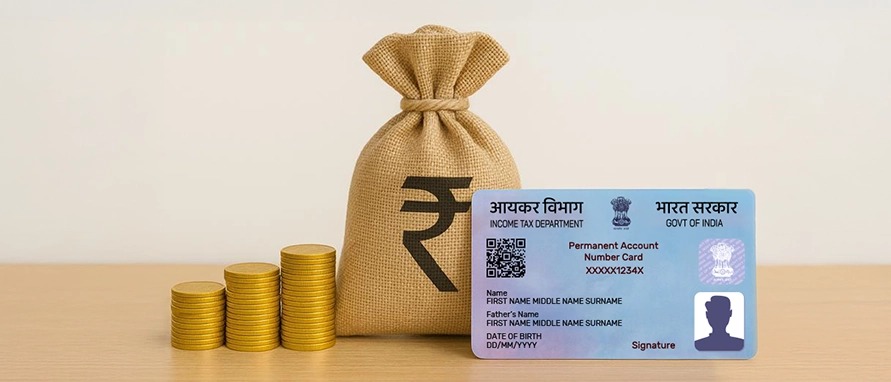
How Many Loans Are Linked to Your PAN Card? Check in a Few Simple Steps
How many active loans do you have linked to your PAN card? You can find out step by step: Checking the loans linked to your PAN card helps you stay in control of your finances. If someone takes a loan in your name, you can spot it quickly. It also helps you keep track of active loans, correct any mistakes, protect your credit score, and plan your budget better.
How to check loans linked to your PAN card:
Method 1: Credit bureau websites:
-Whenever you apply for a loan or credit card, banks report the details to credit bureaus.
-Visit the official website of CIBIL, Experian, Equifax, or CRIF High Mark
-Log in using your PAN and registered mobile number
-Verify your details with an OTP
-Download your free credit report
-Check the “Accounts” or “Credit” section to see active loans, lenders, and loan status
Method 2: Fintech apps:
-Install a trusted fintech app
-Complete the KYC process
-Use the loan or credit section to view all loans linked to your PAN
-Tip: Always use reliable apps to avoid fraud or identity theft.
Method 3: Check directly with your bank or lender:
-Log in to your bank’s mobile app or net banking portal
-Visit the bank’s official website or nearest branch
-Call customer care with your PAN details
-Review loan statements sent by the bank by email or post
Regularly checking your PAN-linked loans helps you stay financially secure and avoid future problems.