

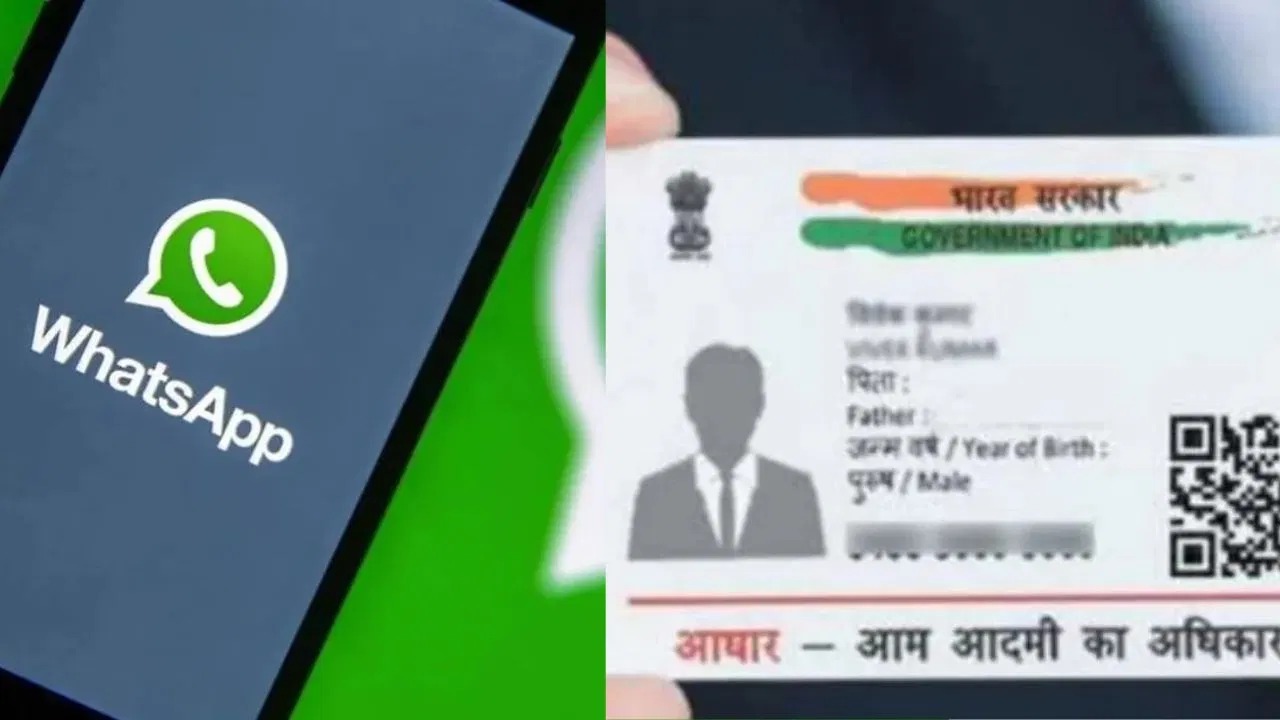
No OTP, No Captcha: Now Download Aadhaar Card Directly from WhatsApp
Big Relief for Aadhaar Users: Download Aadhaar on WhatsApp Without OTP or Captcha: Now, Aadhaar card services will also be available on WhatsApp. With this special service from UIDAI, you can receive your Aadhaar card as a PDF on your WhatsApp. You won’t need to visit the UIDAI website or app for this. You can directly download your Aadhaar card PDF on WhatsApp. Downloading the Aadhaar card from the UIDAI website or app usually requires entering an OTP, captcha, etc. With this special service, you can download your Aadhaar card without entering an OTP or captcha.
The Aadhaar card has become an essential document for us. From buying a SIM card to booking railway or flight tickets, an Aadhaar card is required. It’s also used as an important document for children’s admissions and exams. In such a scenario, if you can access Aadhaar card services with just one click on WhatsApp, it makes many tasks much easier.
UIDAI has announced this special WhatsApp service through its official X (formerly Twitter) handle. Aadhaar card holders can now receive a digital copy (PDF) of their Aadhaar card by simply sending a message. A special helpline number, +91-9013151515, has been issued for this purpose. Simply send a “Hi” message to this number on WhatsApp, and you will have access to several Aadhaar-related services.
How to download your Aadhaar card via WhatsApp:
First, save the Aadhaar helpline number, +91-9013151515, on your phone.
Now open WhatsApp and send a “Hi” message to this number.
You will then be presented with several options for Aadhaar-related services.
Select the “Download Aadhaar” option.
You will then receive a message containing a PDF of your Aadhaar card.
You could download it and use your Aadhaar card.
To open the PDF file, you will need to know your area’s PIN code.
ALSO READ: Put ₹9 Lakh in the Post Office and Get Fixed Income Every Month, Full Details Inside